How to Claim Your Free Proxy Trial on the New FlashProxy V2
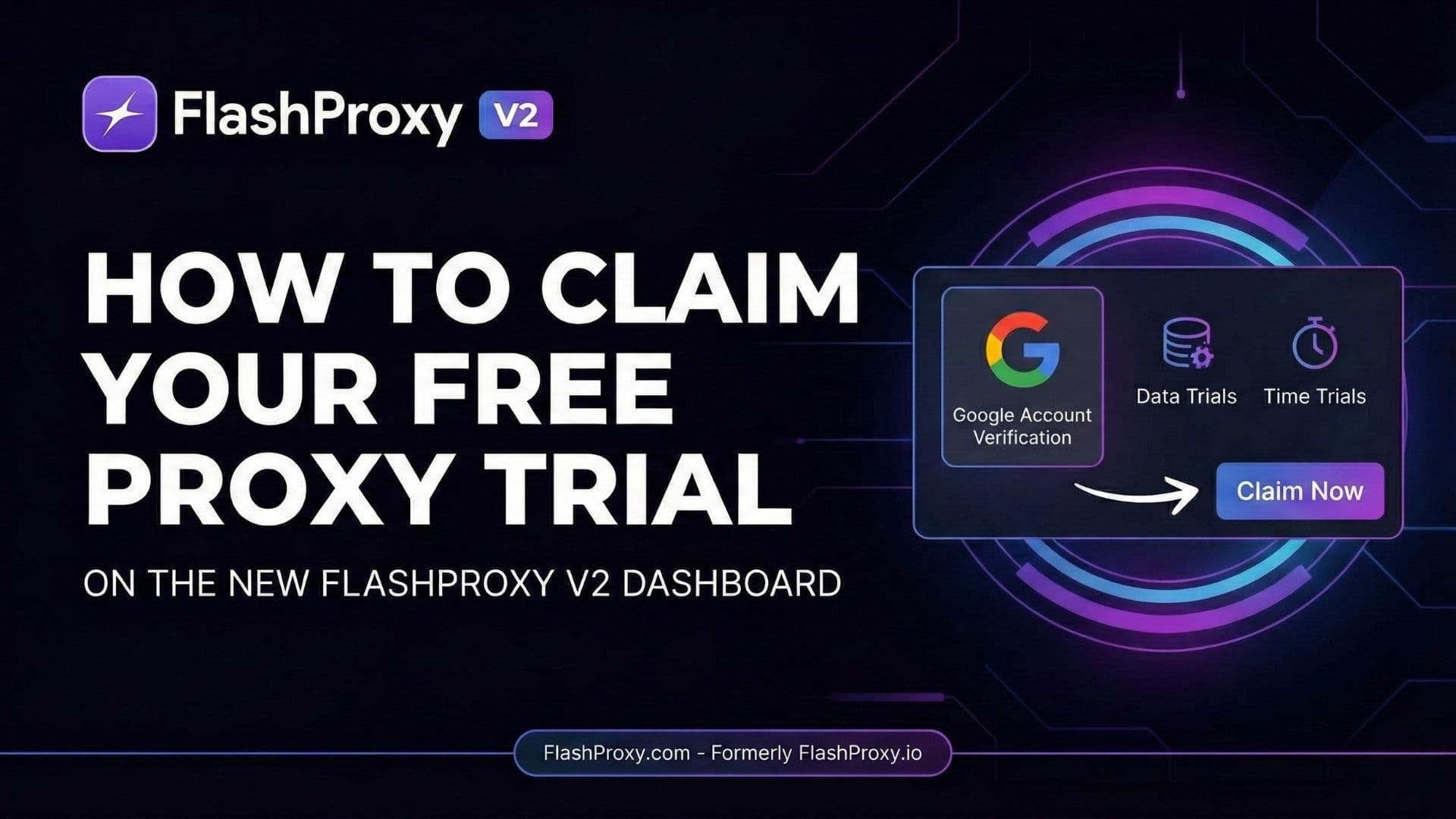
Learn how to claim your free proxy trial on the new FlashProxy V2. Get 100MB of residential data or 15 minutes of unlimited bandwidth. No commitment required!
Key takeaways
- FlashProxy V2 moved from flashproxy.io to flashproxy.com with a new dashboard, faster performance, and automated free trials.
- Claiming a trial requires linking a Google Account, which FlashProxy uses to verify genuine users and prevent abuse.
- Data trials give 100MB on Residential, Mobile, or Shared ISP networks.
- Time trials give 15 minutes of unlimited bandwidth on IPv6 Residential, IPv6 Datacenter, Datacenter, or Shared ISP.
- Each account can claim only one free trial, and the Unlimited Residential plan is excluded.
We have some massive news. If you’ve been following us at flashproxy.io, you might have noticed things look a little different. We have officially upgraded our entire infrastructure and migrated to our new home: FlashProxy.com.
The launch of FlashProxy V2 brings a sleeker dashboard, faster performance, and a more robust network. But the biggest update, and the one we are most excited about, is a feature you’ve all been asking for: automated free trials.
We believe the best way to understand the power of our premium network is to experience it yourself. That’s why, with the launch of V2, we’ve made it easier than ever to test our services with no commitment.
Here is a step-by-step guide on how to claim your free trial on the new FlashProxy dashboard.
Why Do We Require Verification?
Before we jump into the "how-to," we want to address the first step of the process. When you attempt to claim a trial, you will be asked to authenticate using your Google Account.
You might wonder why this is necessary for a free trial.
At FlashProxy, network quality is our top priority. To ensure our IP pools remain clean, fast, and reliable for all our paid customers, we must prevent abuse of the free trial system. A quick Google authentication helps us verify genuine users and keep bad actors out. This small step ensures a better experience for everyone.
Step-by-Step: Claiming Your Trial
Getting started takes less than two minutes. Here is how to do it:
Step 1: Log In to the New Dashboard. Head over to the new flashproxy.com and log in to your account. If you are a new user, you’ll need to register first.
Step 2: Initiate the Trial Process. On your main dashboard, you will see a prompt inviting you to "Claim Your Free Trial." Click on it to open the trial selection modal.
Step 3: Authenticate Your Account. As mentioned above, you will see a pop-up asking for verification. Click the purple "Link Google Account" button. Follow the standard Google sign-in prompts. This process is secure, and we do not store your password.
Step 4: Select Your Plan. Once verified, you will unlock the trial selection screen. We offer a wide variety of options so you can test the specific type of proxy that fits your use case.
You can choose between:
Data Trials: Get a 100MB allowance to test our premium Residential, Mobile, or Shared ISP networks.
Time Trials: Get 15 minutes of unlimited bandwidth on our faster, datacenter-focused networks, including IPv6 Residential, IPv6 Datacenter, Datacenter, and Shared ISP.
Simply select the trial that best suits your needs, and the data or time will be instantly added to your account.
Important Trial Guidelines
To ensure fair access for everyone, please keep a few things in mind regarding the new trial system:
One Trial Per User: You may only claim a free trial once per account. Choose the plan you most want to test carefully!
Plan Exclusions: The free trial is available for nearly all our packages, with the exception of the Unlimited Residential plan.
Experience V2 Today
From https://flashproxy.io to https://flashproxy.com, we are thrilled to finally let you experience the upgrades we’ve made to the FlashProxy network. Head over to your dashboard now, verify your account, and start your test drive!