How FlashProxy Powers Up Your Linken Sphere Browser: A Simple Integration Guide
Learn how to integrate FlashProxy with Linken Sphere for ultra-secure multi-accounting. Boost anonymity with real residential IPs, fast speeds, and seamless setup.
Managing multiple online accounts safely is getting harder every day. Websites are smarter at catching people who use multiple accounts. That's why you need the right tools working together.
Linken Sphere gives you a powerful headless browser that hides your digital fingerprint. But to stay completely anonymous, you need quality proxies too. That's where FlashProxy comes in to complete your setup.
Why Linken Sphere Needs Quality Proxies
Linken Sphere is great at making each browser session look different. It changes your browser fingerprint so websites can't recognize you. But there's one thing it can't change on its own - your IP address.
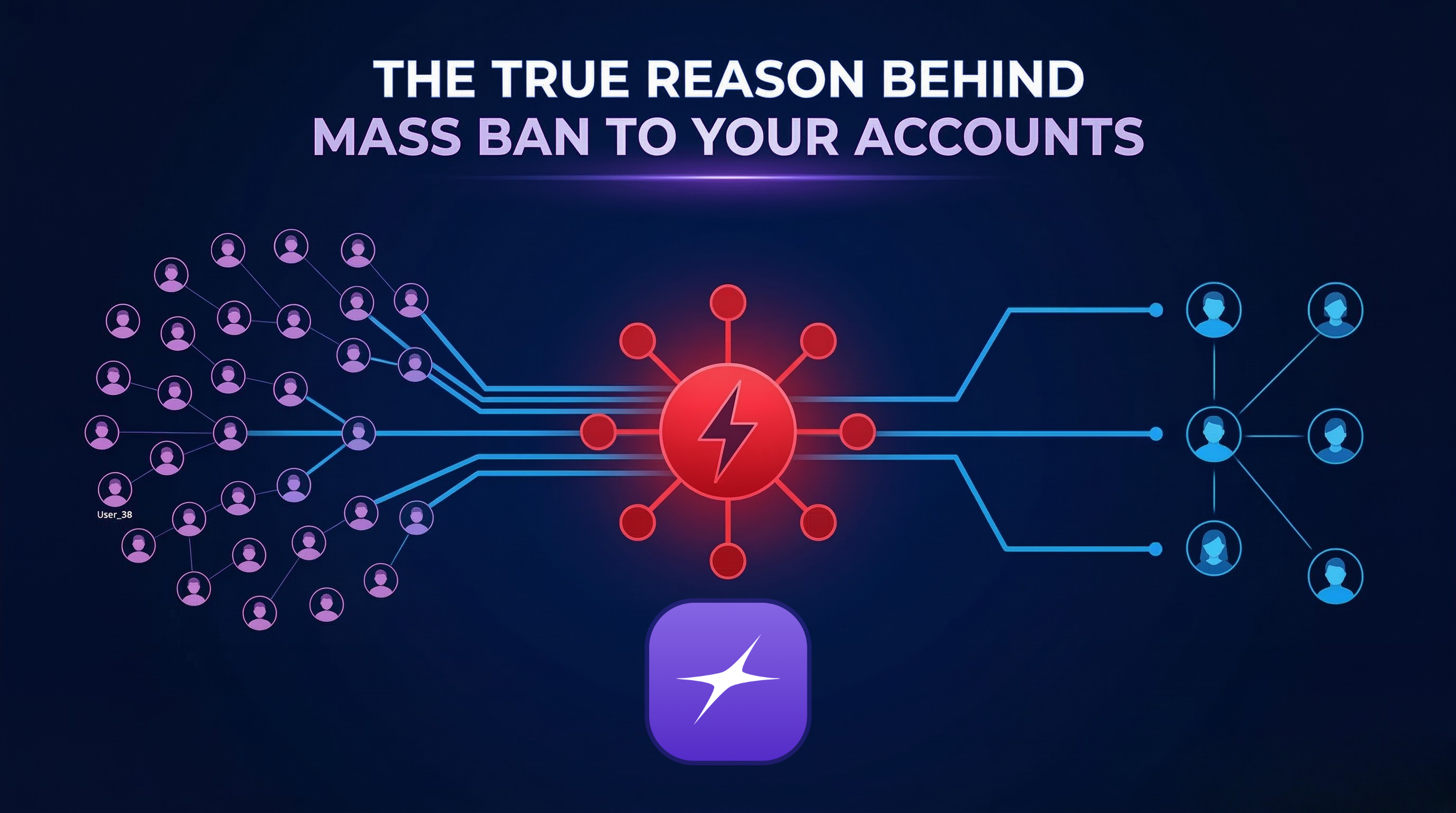
Your IP address is like your home address on the internet. If you use the same IP for multiple accounts, websites will notice. They'll see that different "people" are all coming from the same place. This is a red flag that gets accounts banned.
FlashProxy solves this problem with over 7 million real IP addresses. Each Linken Sphere session gets its own unique internet connection. This makes your accounts look completely separate from any website.
What Makes FlashProxy Perfect for Linken Sphere
Lightning-Fast Speeds: FlashProxy delivers 400-500ms response times. Your Linken Sphere sessions load pages instantly. No more waiting around for slow proxy connections.
Real Residential IPs: FlashProxy uses real home internet connections, not fake datacenter IPs. Websites see genuine traffic that looks natural. This is crucial for avoiding detection.
99% Uptime: Your Linken Sphere sessions stay online consistently. No more losing important work because your proxy connection dropped.
Mobile Support: Need mobile IPs? FlashProxy offers real 4G/5G connections that work perfectly with Linken Sphere's mobile browser profiles.
Setting Up FlashProxy with Linken Sphere
Getting started is simple. Here's how to connect FlashProxy to your Linken Sphere browser:
Step 1: Get Your FlashProxy Account. Visit flashproxy.io and create your account. Choose the proxy type that fits your needs. Residential proxies work best for most Linken Sphere users.
Step 2: Generate Your Proxies. Log in to your FlashProxy dashboard. Select your plan and hit "Generate Proxy." You can choose how often your IP changes - from minutes to hours. Pick the format that works with Linken Sphere.
Step 3: Add to Linken Sphere. Copy your proxy details from FlashProxy. Open Linken Sphere and go to the proxy settings. Paste the proxy provided by FlashProxy information and test the connection. That's it!
Real-World Benefits You'll See
Social Media Management: Run multiple Instagram or Facebook accounts without fear. Each Linken Sphere profile gets its own mobile IP that looks authentic to social platforms.
E-commerce Operations: Manage several online stores safely. Amazon and eBay won't link your accounts when each one uses a different residential IP.
Data Collection: Scrape websites without getting blocked. FlashProxy's huge IP pool means you can gather data consistently without interruption.
Ad Account Management: Test different advertising campaigns across multiple accounts. Each Linken Sphere session appears to come from a different location and device.
How FlashProxy Powers Up Your Linken Sphere Browser: A Simple Integration Guide
Managing multiple online accounts safely is getting harder every day. Websites are smarter at catching people who use multiple accounts. That's why you need the right tools working together.
Linken Sphere gives you a powerful headless browser that hides your digital fingerprint. But to stay completely anonymous, you need quality proxies too. That's where FlashProxy comes in to complete your setup.
What Makes FlashProxy Perfect for Linken Sphere
Lightning-Fast Speeds: FlashProxy delivers 400-500ms response times. Your Linken Sphere sessions load pages instantly. No more waiting around for slow proxy connections.
Real Residential IPs: FlashProxy uses real home internet connections, not fake datacenter IPs. Websites see genuine traffic that looks natural. This is crucial for avoiding detection.
99% Uptime: Your Linken Sphere sessions stay online consistently. No more losing important work because your proxy connection dropped.
Mobile Support: Need mobile IPs? FlashProxy offers real 4G/5G connections that work perfectly with Linken Sphere's mobile browser profiles.
Setting Up FlashProxy with Linken Sphere
Getting started is simple. Here's how to connect FlashProxy to your Linken Sphere browser:
Step 1: Get Your FlashProxy Account. Visit flashproxy.io and create your account. Choose the proxy type that fits your needs. Residential proxies work best for most Linken Sphere users.
Step 2: Generate Your Proxie.s Log into your FlashProxy dashboard. Select your plan and hit "Generate Proxy." You can choose how often your IP changes - from minutes to hours. Pick the format that works with Linken Sphere.
Step 3: Add to Linken Sphere. Copy your proxy details from FlashProxy. Open Linken Sphere and go to the proxy settings. Paste your FlashProxy information and test the connection. That's it!
Real-World Benefits You'll See
Social Media Management: Run multiple Instagram or Facebook accounts without fear. Each Linken Sphere profile gets its own mobile IP that looks authentic to social platforms.
E-commerce Operations: Manage several online stores safely. Amazon and eBay won't link your accounts when each one uses a different residential IP.
Data Collection: Scrape websites without getting blocked. FlashProxy's huge IP pool means you can gather data consistently without interruption.
Ad Account Management: Test different advertising campaigns across multiple accounts. Each Linken Sphere session appears to come from a different location and device.
Pricing: Linken Sphere + FlashProxy
Linken Sphere Plans: Linken Sphere offers four tiers to match your needs:
- Pure Plan: $30/month - Perfect for beginners with 1 seat, unlimited desktops, and 30 sessions
- Light Plan: $90/month - Full features with unlimited seats, desktops, and 150 sessions
- Pro Plan: $160/month - Team plan with 10 members, unlimited teams, and 500 sessions
- Premium Plan: $300/month - Enterprise level with unlimited members and 1000 sessions
All plans offer discounts for longer commitments: 10% off for 6 months, 20% off for annual plans.
FlashProxy Pricing: FlashProxy offers flexible pricing for every budget:
- Residential: $2.99 per GB
- Mobile: $2.99 per GB
- Datacenter: $2.00 per day
- Premium unlimited plans starting at $4.00 per hour
Total Cost Example: A Light Linken Sphere plan ($90/month) plus FlashProxy residential proxies ($2.99/GB) gives you a complete anonymous browsing solution. You only pay for the proxy data you actually use.
Getting Help When You Need It
FlashProxy provides 24/7 support through live chat, Discord, and Telegram. Their team understands Linken Sphere integration and can help optimize your setup for best performance.
Ready to Supercharge Your Linken Sphere Browser?
The combination of Linken Sphere and FlashProxy gives you enterprise-level anonymity and performance. Your browser fingerprints stay hidden while your IP addresses rotate automatically.
Whether you're managing social media accounts, running e-commerce stores, or collecting data, this powerful combination keeps you safe and fast.
Visit https://linkensphere.info/en/ and https://flashproxy.io today to get started. Your Linken Sphere browser is about to get a major upgrade that will change how you work online forever.